
This site is reader-supported. When you buy through our links, we sometimes earn a commission from the provider — at no extra cost to you. In fact, you'll often get an exclusive discount. These partnerships fund our independent work, but never shape our conclusions. Learn more
It will come as no surprise that Russia isn't dominating many holiday wish-lists at present. However, for those who still wish to visit, or need to travel there for work or family, significant new restrictions on roaming and travel eSIMs have been in place since October.
The new measures, as reported by The Moscow Times, have been implemented citing security concerns; for example, to prevent drones from being controlled via foreign SIM cards, such as a travel eSIM.
The 24-Hour 'Quarantine' Explained
Here is how the delay works in practice for travelers:
- No Data on Arrival: Upon entering Russia, you will not be able to use mobile internet with your travel eSIM or through your standard roaming plan.
- Voice Calls Function: Voice services (if included in your plan) will still function for traditional calls.
- 24-Hour Activation: Your data services will begin to work as 'normal' 24 hours after your SIM card first registers on a Russian network.
- Censorship & Blackouts: Even after activation, travelers should anticipate that regular blackouts may occur and that all internet traffic is subject to government censorship.
What This Means for Travelers
For travelers to Russia, this is extremely inconvenient. Upon arrival, you cannot use navigation, see your location, or book a taxi with Yandex Go (the local Uber). Online translation services will also be unavailable.
We strongly advise taking the following precautions before departure:
- Download Offline Maps: Ensure you have downloaded the necessary maps on your phone (e.g., Google Maps offline regions, Maps.me). Consider bringing a physical map as a backup.
- Write Down Key Information: Clearly note your destination address on paper, preferably in both English and Russian.
- Prepare Offline Translation: Be aware that apps like Google Translate will not work unless you download the required language pack in advance.
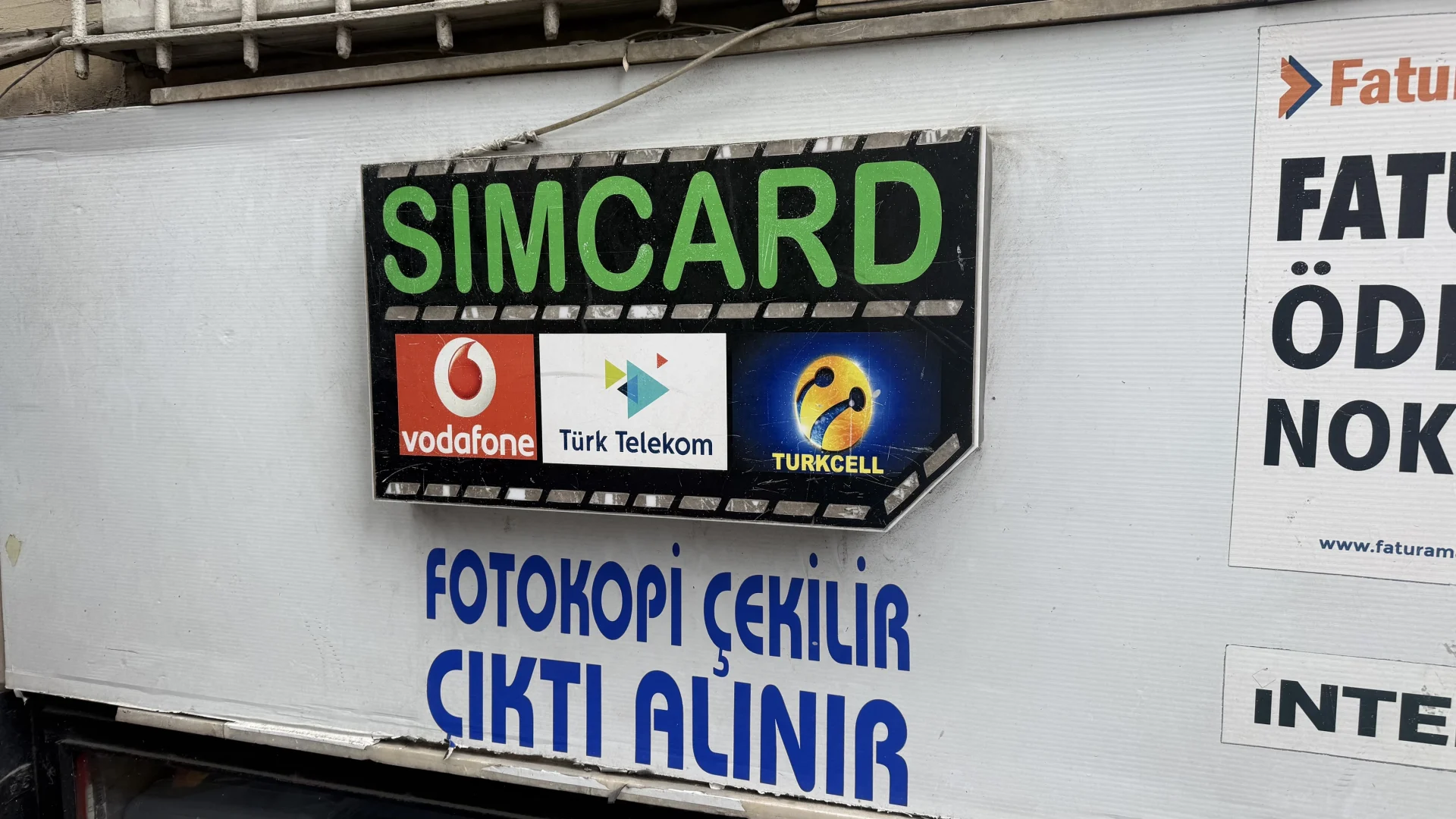
Travel eSIMs will begin to function after the 24-hour period. As an alternative, you can purchase a local SIM card, which will work immediately. However, be aware that local SIMs are subject to Russian censorship, meaning you may have limited or no access to services like social media and WhatsApp.
The Bottom Line
The new 24-hour data delay fundamentally changes how travelers must prepare for a trip to Russia. Your travel eSIM will not solve your connectivity needs upon arrival.
The best approach is a two-part strategy:
- For Day 1: Rely entirely on pre-arrival preparation. Use airport or hotel Wi-Fi and the offline maps and translation tools you prepared in advance.
- For the rest of your trip: After the quarantine period, a travel eSIM remains a viable and practical option, likely offering more flexible (and potentially less censored) internet access than a local SIM.
Need an eSIM for Russia? You can check our comparison tool for the best deal.